The guide
poptart
Write short patterns; poptart plays them on its own synths, samplers and effects, or on your VST/VST3 plugins, and turns any of their knobs while it plays.
Write short patterns; poptart plays them on synths, samplers and effects built into this page. Nothing to install.
A first sound
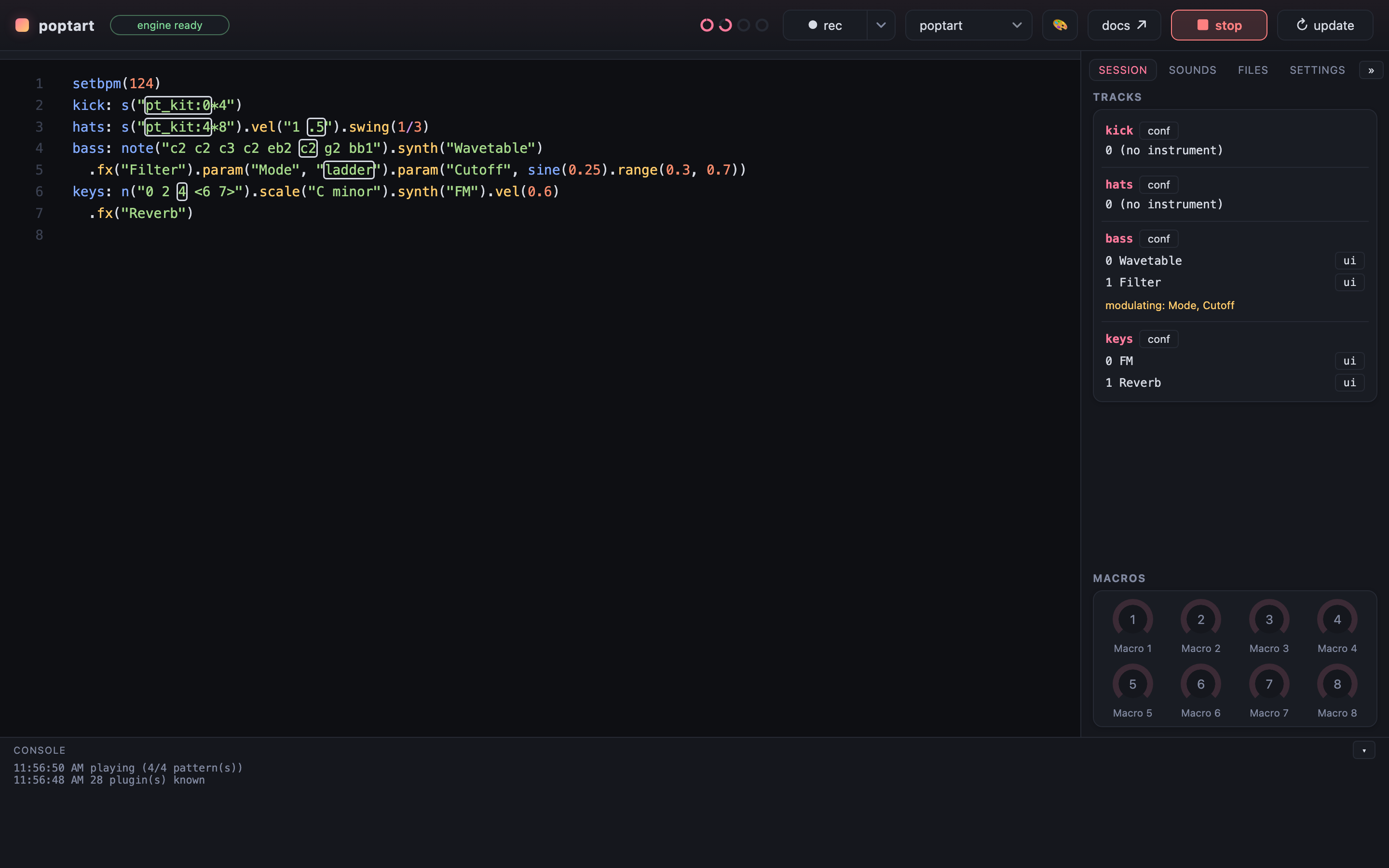
A line that starts with a name and a colon is a track. Evaluate the buffer with
{mod+enter} and every track plays; {mod+.} stops.
Every example in this guide is the real editor: press ▶ play, click into the code to change it, and double-click a name like pianoroll, lfo or synth to open its editor.
The examples play in this browser, on the same devices the app has, so they never touch what the app is playing; copy takes one to the app.
kick: s("bd*4").postgain(0.3)
hats: s("hh*8").vel("1 .5").postgain(0.3)
bass: note("c2 c2 eb2 g1").synth("Wavetable")
  .fx("Filter").param("Cutoff", sine(0.25).range(0.3, 0.7)).postgain(0.3)
Change a number and evaluate again: the new version takes over without a gap. That is the whole workflow.
Chapters
Read them in order once, then come back for what you need.